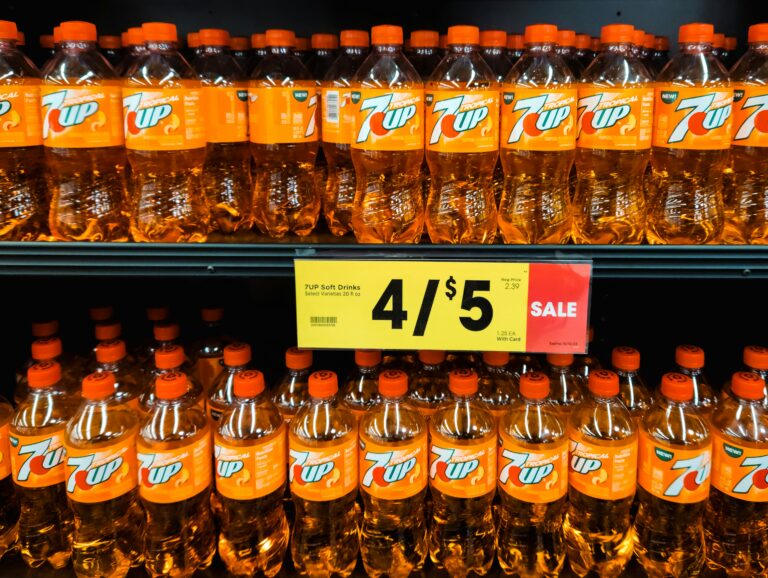
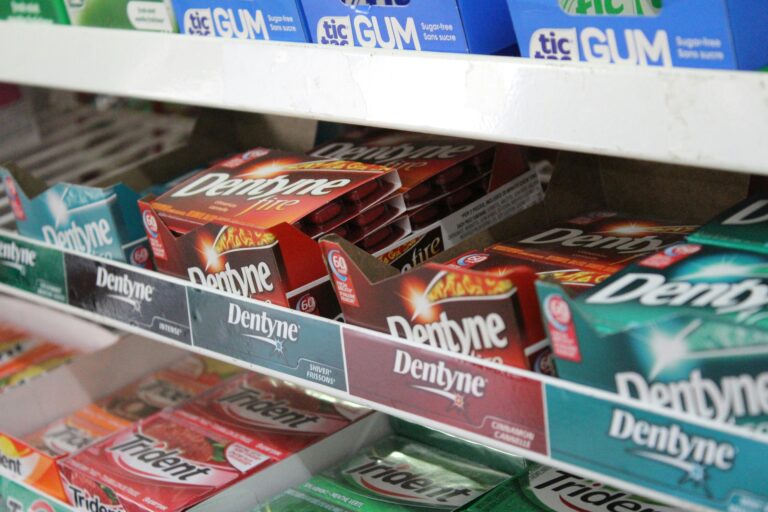
Every day, field teams visit stores and see things that managers never see: empty shelves, broken displays, wrong prices, new competitor products. The store visit report is how that information reaches the office.
Too often, visit reports are long, late and hard to use. Reps fill them in at the end of the day from memory. Managers receive them days later, if at all. By then, the problems in the store have already cost sales.
This guide explains what a good store visit report includes, gives you a simple template and shows how to make reports useful for managers.
A store visit report is a record of what a field rep found and did during a visit to a store. It is used by merchandisers, sales reps, supervisors and area managers.
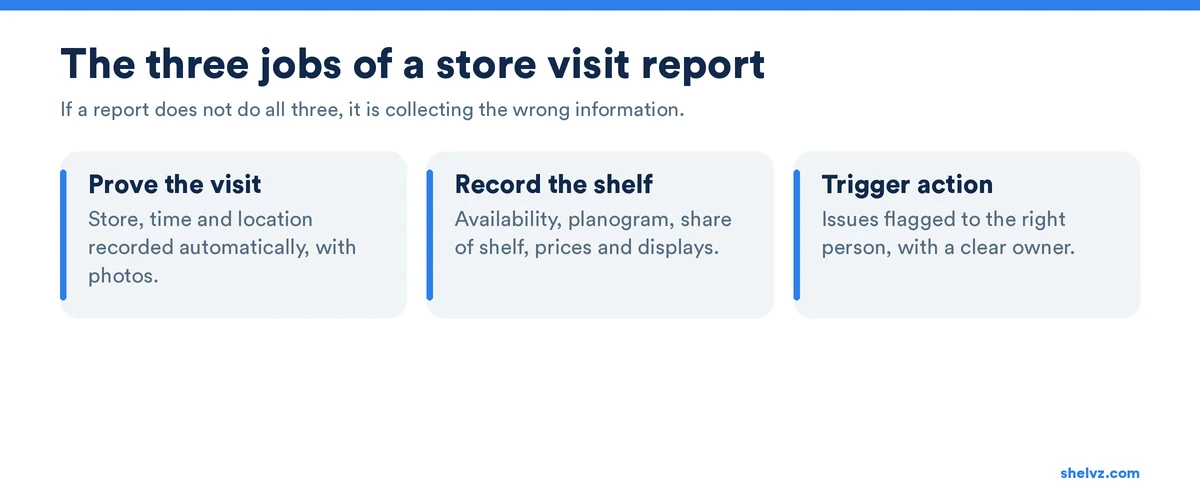
A good report has three jobs:
If a report does not do all three, it is probably collecting the wrong information.
Reps have many stores to visit. A long report steals time from the shelf. Keep only the questions that lead to decisions.
Ask for counts, yes/no answers and photos rather than opinions. “Is the display built?” is better than “How does the display look?”.
Reports filled in during the visit are more accurate than reports written at the end of the day. A mobile form makes this easy.
Every rep should answer the same questions in the same way. This lets managers compare stores and regions.
You can adapt the template below to your brand, channel and team.
| Section | What to capture | Answer type |
|---|---|---|
| Visit details | Store, rep, date, check-in and check-out time, location | Automatic |
| Availability | Which must-stock products are on the shelf | Yes / No per product |
| Out-of-stock reasons | Why each missing product is missing | Short list |
| Shelf and planogram | Does the shelf match the planogram? | Yes / Partly / No, with photo |
| Share of shelf | Your facings and total category facings | Numbers |
| Prices | Shelf price for key products | Number, with photo |
| Promotions and displays | Is each agreed display in place and full? | Yes / No, with photo |
| Competitor activity | New products, promotions or displays | Short note, with photo |
| Actions taken | What the rep fixed during the visit | Short list |
| Issues to escalate | What needs a manager or the store | Short note |
Not every visit needs every section. A weekly visit to a small store may only need availability, actions and issues. A visit to a hypermarket may need all of them.
Like what you’re reading?
Take a moment to subscribe before continuing and never miss out on exclusive insights, news, and case studies.
Sales reps and merchandisers visit the same stores but do different jobs. Their reports should reflect this, while sharing the same core.
The core covers visit details, must-stock availability, issues and actions. Every visit by every role includes it, so you always have comparable data.
Sales reps add an order section, credit and collection notes, and feedback from the store owner or buyer.
Merchandisers add deeper shelf checks: planogram compliance, share of shelf, display checks and stock rotation.
When both roles share the core, managers see a complete picture of each store, no matter who visited last.
Our article on field data collection explains how to design field forms that reps can complete quickly and accurately.
Photos are the most useful part of most visit reports. They show the real shelf and make results easy to check.
A simple photo rule works well:
Ask reps to take photos straight on, from a short distance, with the full section in view. Good photos can also be used for image recognition later.
Shelvz replaces paper visit reports with short mobile forms, with photos, time and location on every visit, and alerts managers when something needs action. See how Shelvz works or book a demo.
A visit report is only useful if someone reads it and acts on it.
Managers should see urgent issues on the same day: out-of-stocks of key products, missing displays and wrong prices. Alerts help here, so managers do not have to search through every report.
Each week, review results by store, chain and rep. Which stores keep having the same problem? Which reps report the most issues, and are they fixed?
Each month, look at trends: availability, planogram compliance, share of shelf and visit compliance. Use these trends in reviews with retailers and with the field team.
For more on using field data to manage people, see our guide on field team management best practices and our merchandiser job description.
It should take only a few minutes of the visit. Most of the time in store should go to fixing the shelf, not filling in forms.
They can share a core report, with extra sections for each role. For example, sales reps may add an order section, while merchandisers add more shelf checks.
A visit report records a routine visit. A store audit is a deeper, often less frequent check of standards. Many teams combine both, with deeper checks on selected visits.
To see how Shelvz turns visit reports into same-day action, book a demo.